
New Voter Guide Pilot Instructions
The Vote Forward team is piloting our latest program—New Voter Guides—with newly registered voters in Michigan and Pennsylvania. These guides maintain what worked best from past years’ successful letter writing campaigns.
⮕ The human connection between volunteers like you and potential voters
⮕ The flexibility of taking action at any time, anywhere
⮕ The ability to volunteer together with friends, family, or on your own
OUR GOAL
Ensure fellow Americans who are newly eligible to vote actually cast their ballots in 2026.
What’s in the New Voter Guide?
A 2026 Election Planner, where a voter can personalize their plan to vote in the midterm elections.
Key information about this year’s elections and what’s at stake.
Helpful links to state-specific voting resources.
A space for you to add a personal message to the voter
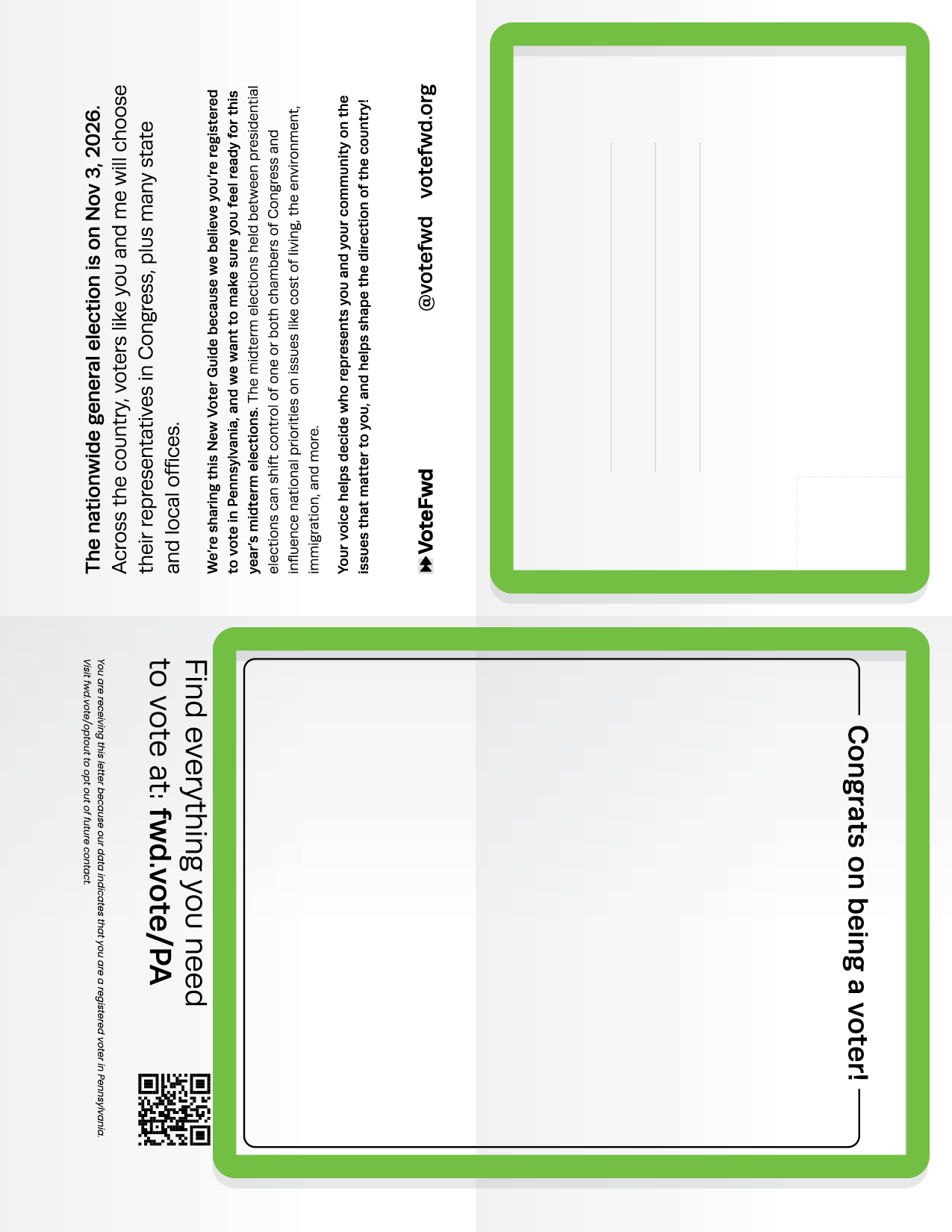
The Sender fills out this parts outlined in green before mailing to a voter.
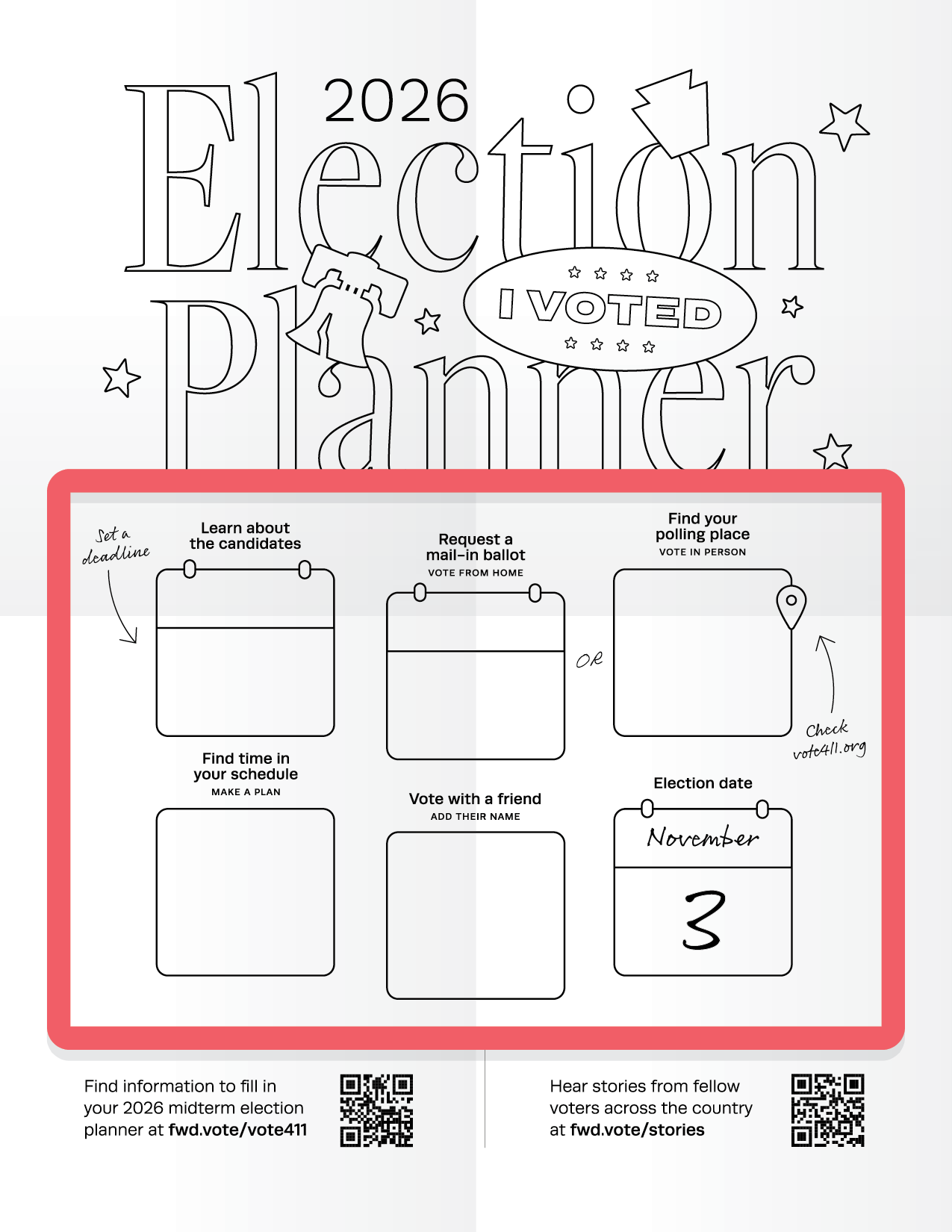
The Recipient fills out this part outlined in red once they receive the guide in the mail.
What you’ll need
We’ve designed our New Voter Guides to be self-mailing, so you won’t need to purchase envelopes!

Forever Stamps
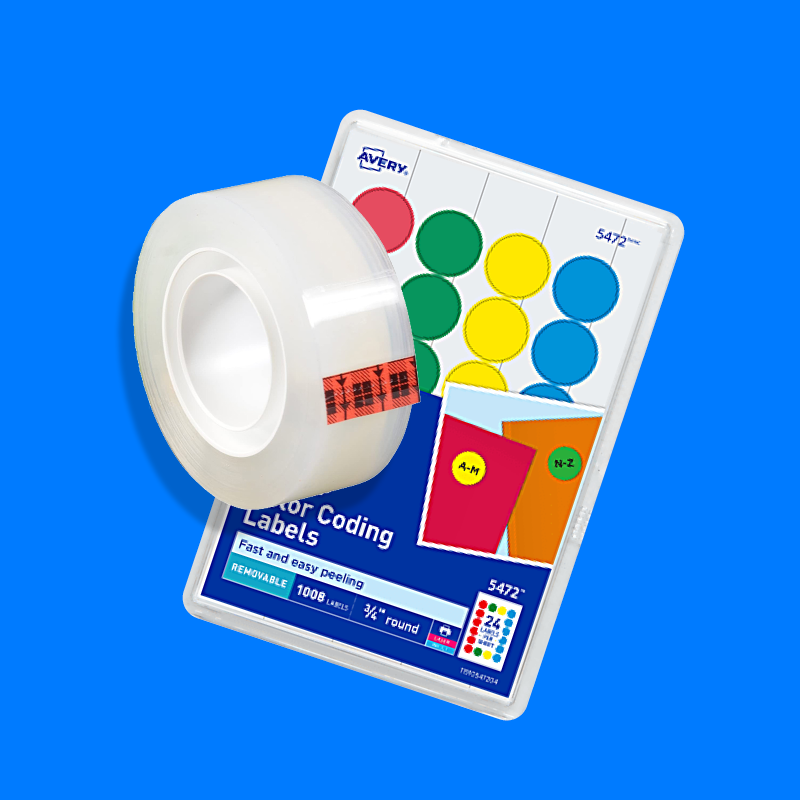
Sticker rounds
or clear tape
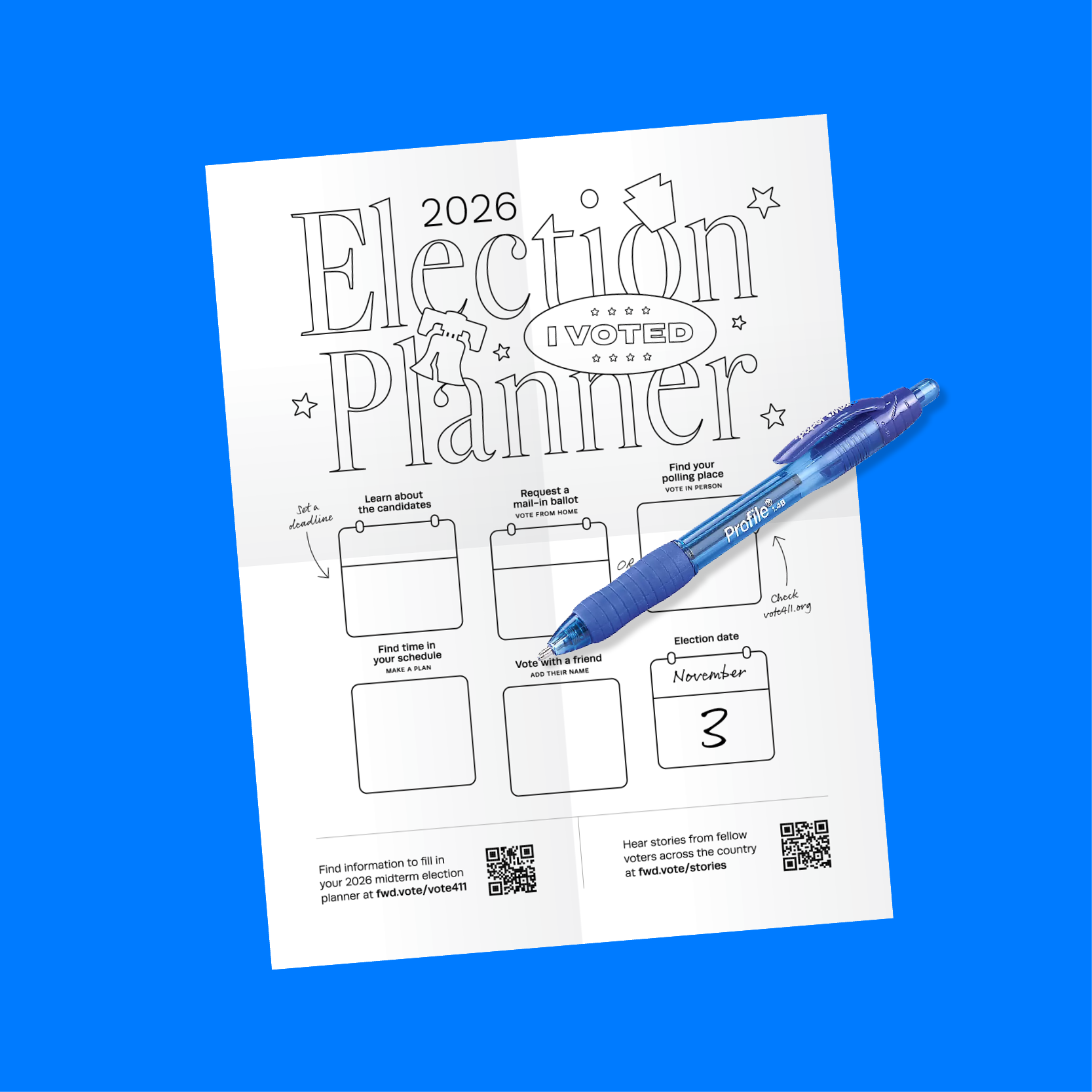
Double-sided printed sheets and a pen
Preparing a New Voter Guide
STEP 1
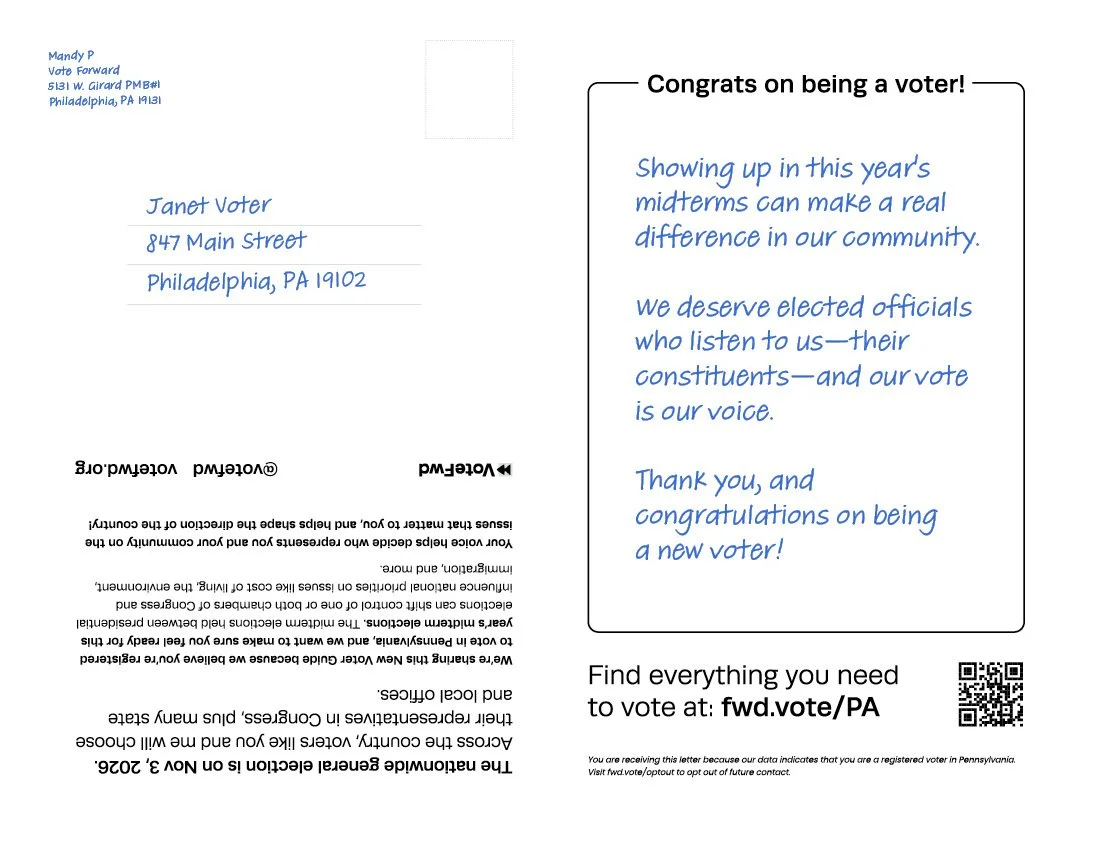
Print the guides double-sided. Write the recipient’s name and address, our provided return address, and a short, personal message to the new voter on one side. The other side is for the recipient to fill out!
Print & fill it out
STEP 2
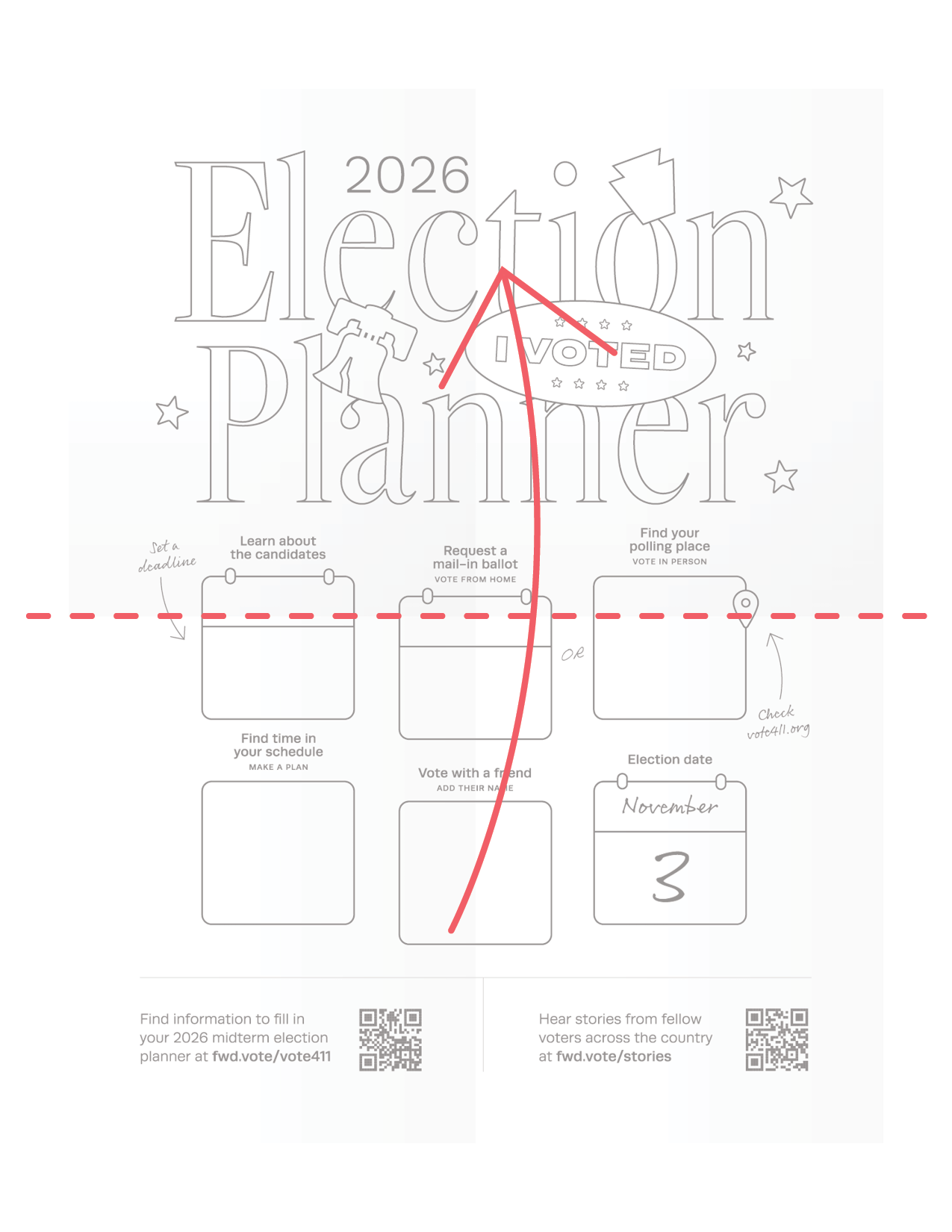
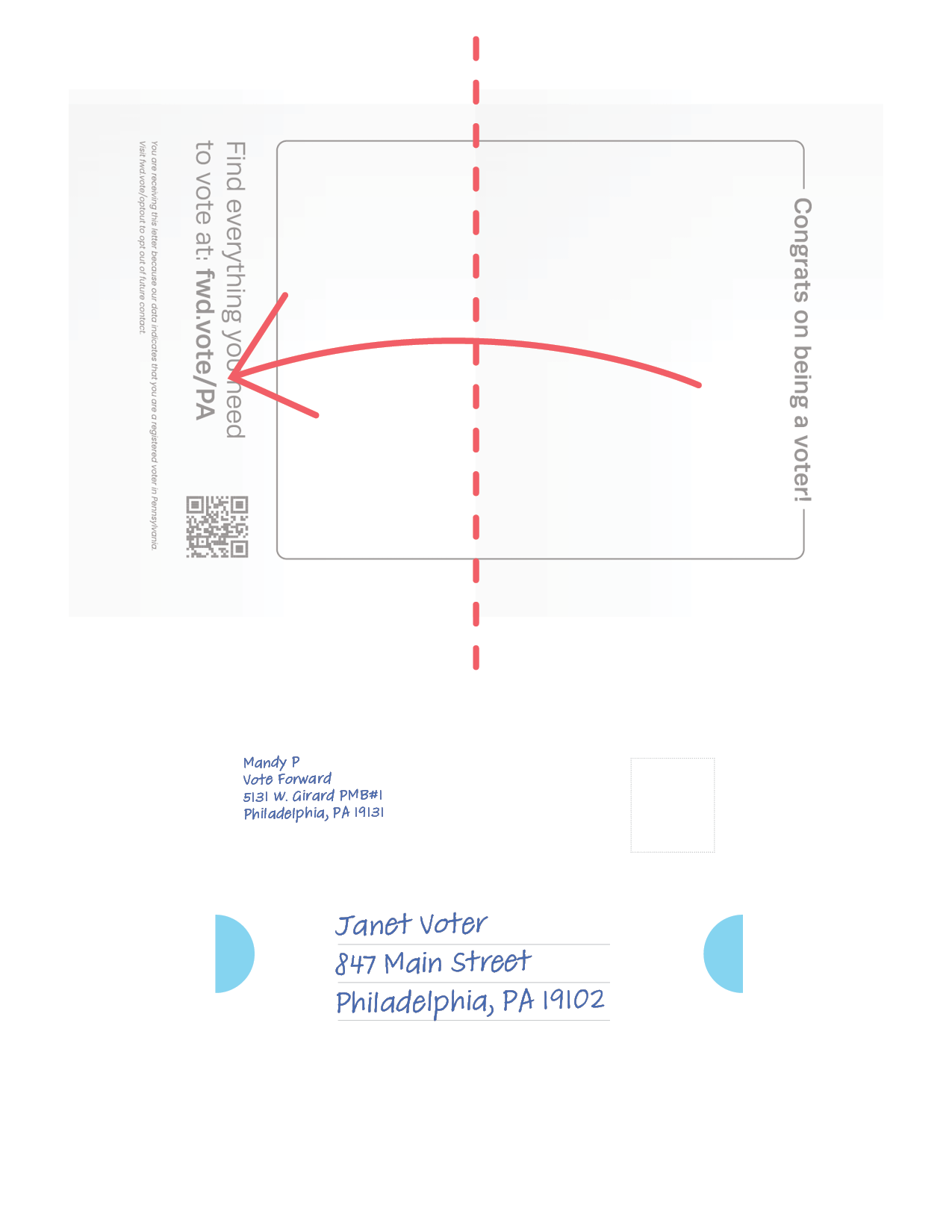
Fold the letter into quarters, with the Election Planner on the inside and the address and personal note on the outside.
Add a sticker round or a small piece of clear tape to either side to seal the guide shut.
Fold it up
STEP 3
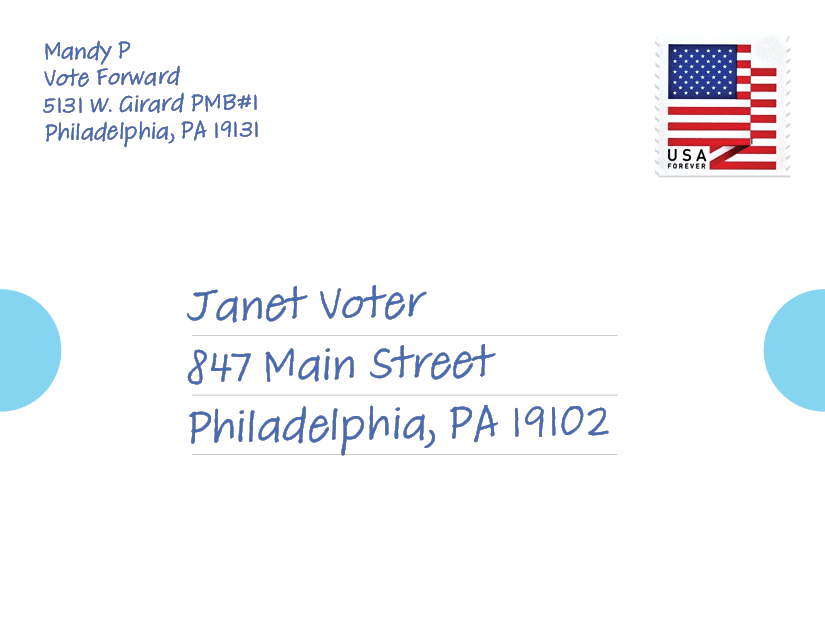
Add a stamp and drop it in the mail any time between October 1 and October 24, 2026, ensuring it arrives in time for the election.
Send it off
Ready to start sending New Voter Guides to voters in ME, MI, and PA?
Frequently Asked Questions
-
The New Voter Guide message should still follow the guidelines of all Vote Forward letters by not mentioning parties or candidates, remaining positive, and being authentic to you. We say “be positive” not to dismiss real challenges in our world, but because we know messages that generate excitement about voting help motivate letter recipients to cast a ballot. You can review our full guidance here.
-
Yes, it’s totally fine to use your own materials to enhance your letters! Using markers or colored pens, stickers, post-its, or whatever you have on-hand, you can decorate your letters to emphasize the importance of voting this year. Our volunteers often do this by highlighting important parts of their “why I vote” message, emphasizing key dates in the election calendar, or adding voting-themed stickers.
-
We are focusing our current efforts on Michigan and Pennsylvania.
-
You should use one regular First-Class Forever stamp, not a postcard stamp, to send each folded guide. Once you’ve followed the instructions to prepare, fold, and seal your guide, you can mail them just like you would mail any regular envelope. We have designed these guides to meet USPS standards for letters.
-
You’ll have to look within your printer settings to be sure. With the print menu open, choose the “More Settings” drop-down arrow. Choose the “Print on both sides” option for two-sided printing.
-
You can either go to a print shop, or manually facilitate two-sided printing at home by printing only the fronts, and then only the backs, on the same stack of paper. You’ll need to run a test sheet through your printer to determine which side gets printed on; try making a mark on one side of the paper before running it through. Then, in the printing options for your file, choose “Odd pages only” and print those. Then repeat with Even pages, oriented properly.
Email the Vote Forward help desk: hello@votefwd.org
Need additional support?